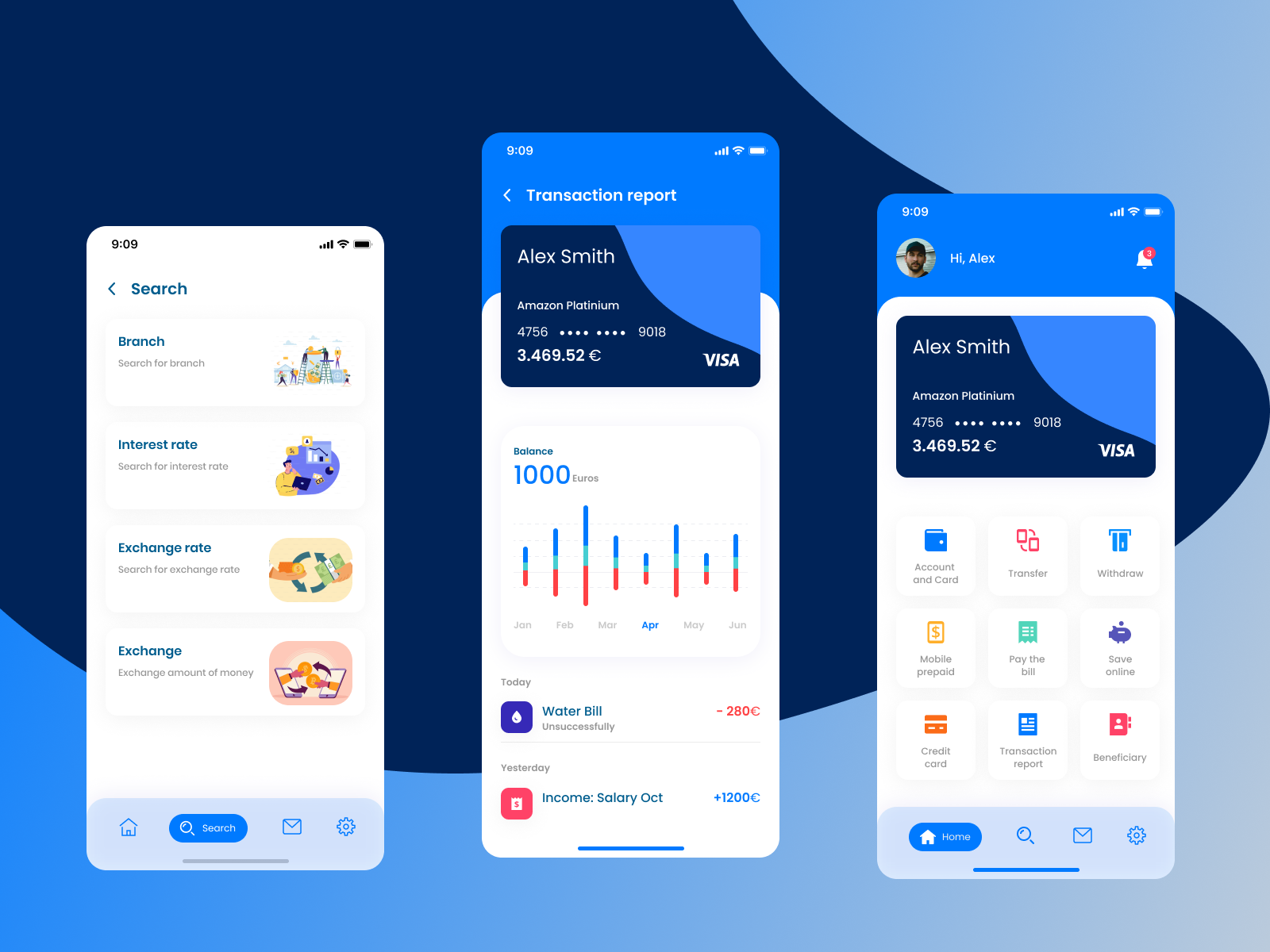
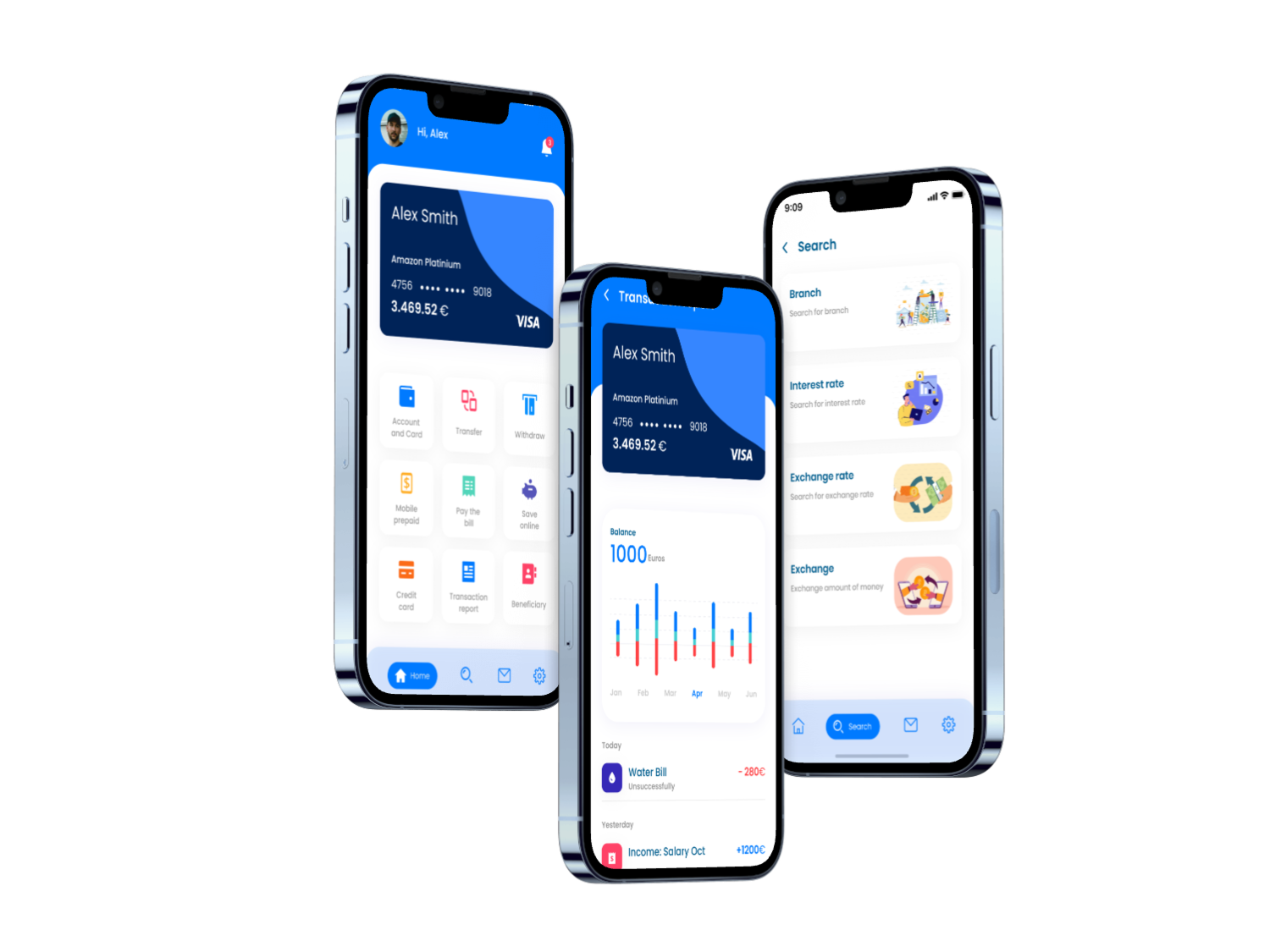
Automated Budgeting & User Trust
Usability Study
This project explores how users perceive control and automation in mobile financial systems.
UX Research · Moderated usability testing · Mobile app · Users: 10
The Challenge
How do you design automated financial systems users trust, without making them feel they’ve lost control?
My role
Defined research objectives and hypotheses
Designed test scenarios and tasks
Moderated usability sessions
Analyzed behavioral patterns and mental models
Synthesized insights into actionable recommendations
Presented findings to design and product stakeholders

Context
Modern personal finance apps increasingly rely on automation to help users manage budgets, savings, and spending without constant manual input.
This study explores how users perceive and interact with automated financial systems, how they balance trust and control, and what happens when they make manual adjustments while the system continues adapting in the background.

User persona
Alex, 34 — Consultant
A professional who wants financial stability with minimal mental effort.
Trusts automation as default
Intervenes only when something feels off
Cares about outcomes, not system logic
Mental model
“As long as the outcome is good and the app warns me when something goes wrong, I don’t need to control every detail.”
Goals - What we wanted to learn
Modern personal finance apps increasingly rely on automation to help users manage budgets, savings, and spending without constant manual input.
This study explores how users perceive and interact with automated financial systems, how they balance trust and control, and what happens when they make manual adjustments while the system continues adapting in the background.
Methodology
-
Explorative Studies
- Moderated usability testing with 10 users using an interactive mobile prototype.
- Exploratory tasks and guided configuration tasks
- Qualitative insights supported by behavioral metrics
-
Journey Mapping
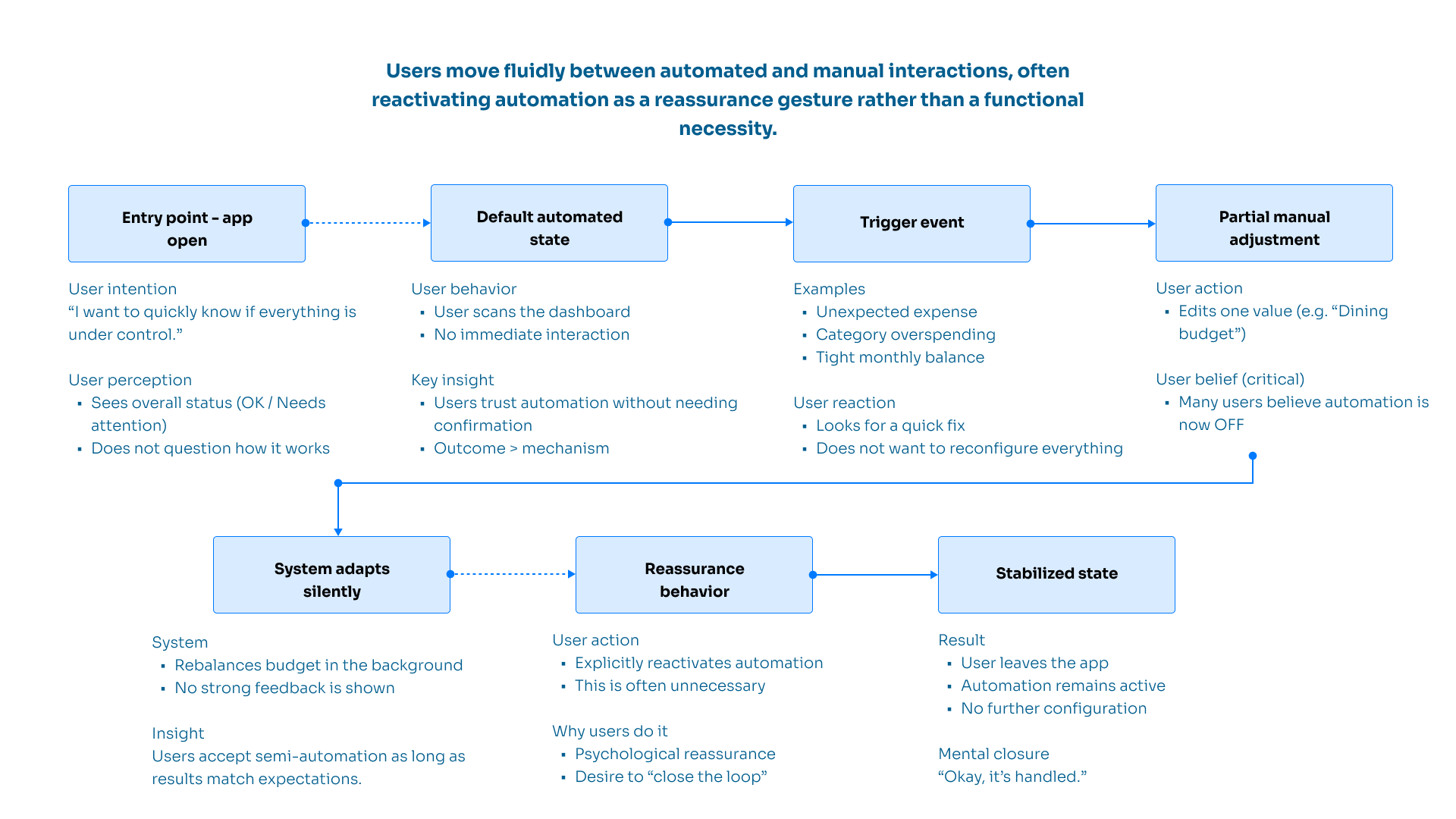
Mapping the end-to-end experience from opening the app to stabilizing the budget in order to identify key pain points such as unclear system feedback, misunderstood automation states, and moments of lost user confidence, as well as opportunities to reinforce trust, provide reassurance, and surface smart recommendations at the right time.
User Flow
Key Findings
-
Most users rely on automatic budgeting as their baseline experience.
-
Many users believe automation is disabled after a single manual adjustment, even when it’s still active.
-
Re-activating automation is often a reassurance action, not a real need.
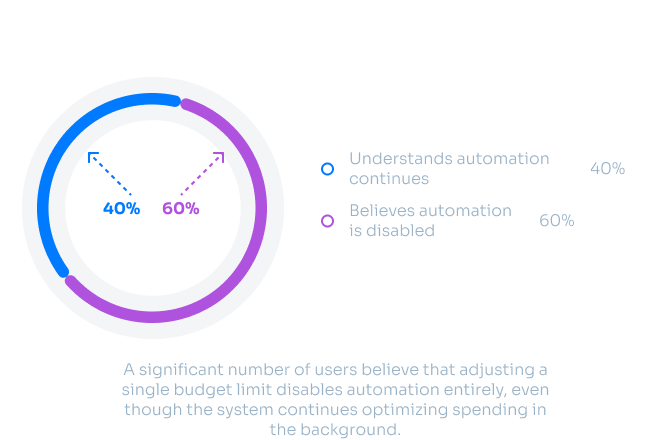
User Awareness of Ongoing Automation
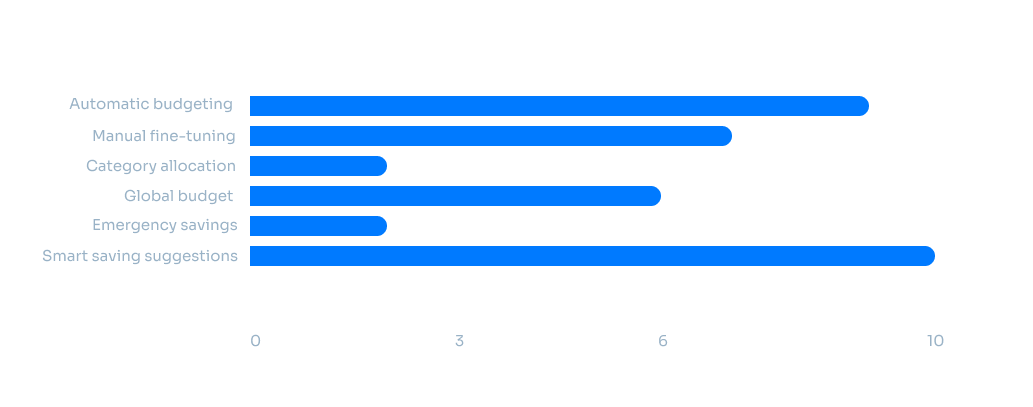
Feature ranking
Smart financial suggestions are highly valued when discovered, but suffer from low visibility and discoverability.
Design Implications
Automation should be clearly active, but never intrusive
Partial manual actions should not feel like “losing control”
Smart features need contextual surfacing, not more settings